
Samsung’s One UI updates have evolved far beyond simple Android skins. Over the years, the company has transformed One UI into a feature-rich ecosystem focused on productivity, customization, artificial intelligence and seamless connectivity across devices.
While point releases are often associated with bug fixes and minor refinements, One UI 8.5 is shaping up to be a far more significant update. Early reports suggest Samsung is preparing a substantial package of interface improvements, expanded AI capabilities, and ecosystem enhancements that could make One UI 8.5 one of the most meaningful software updates in recent years.
Rather than reinventing the experience from scratch, One UI 8.5 appears to build on the foundation established by One UI 8 and before that, One UI 7 — while refining many of the areas Galaxy users interact with every day.
Here’s a closer look at the features and improvements generating the most attention.
Ambient Design — The Biggest Visual Change in Years
The most immediately noticeable thing about One UI 8.5 is how different it looks. Reports suggest Samsung is introducing Ambient Design — a blur-based visual language that applies transparent, frosted-glass effects across the Quick Settings panel, volume bar, notification centre and system navigation elements.
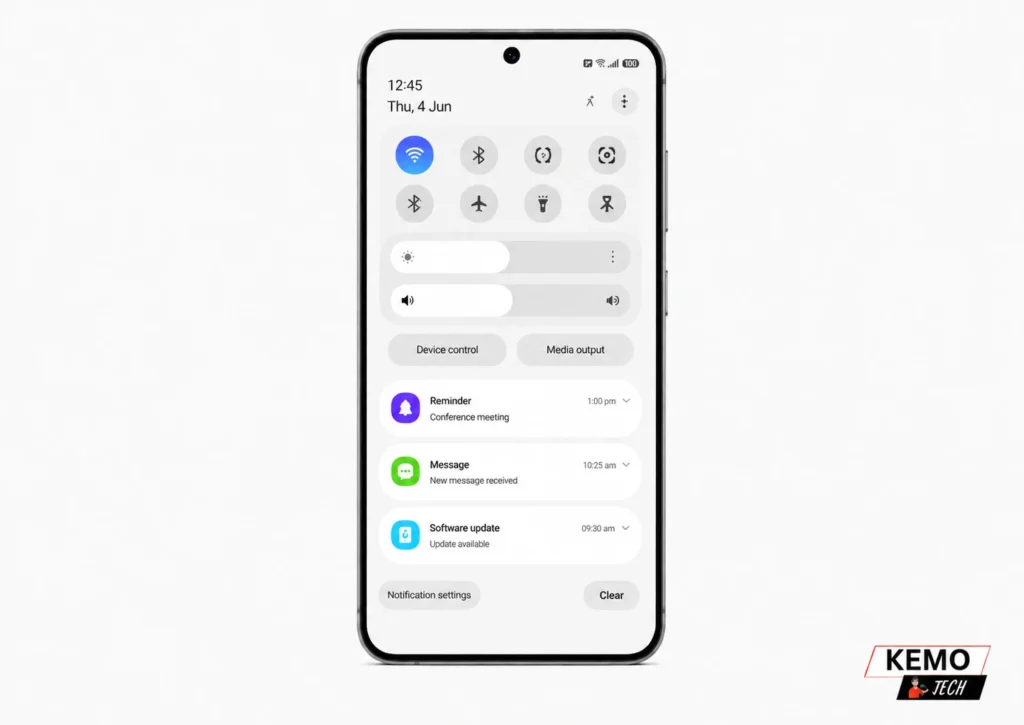
It looks cleaner, more spacious and honestly more premium than anything Samsung has shipped before. If it reminds you of iOS 26’s Liquid Glass UI, you’re not wrong — but Samsung’s approach emphasizes visibility over pure transparency, which is the smarter call.
Key visual changes include:
- Blur effects across Quick Settings, volume bar and notifications
- Squircle-shaped buttons on the calling interface and dial pad
- Condensed Device Care and Settings menus with smaller, cleaner elements
- 3D-style app icons with subtle depth and drop shadow effect
- New animated lock screen wallpapers with parallax tilt effects
This isn’t just a cosmetic refresh. The interface genuinely feels faster and less cluttered in daily use.
Bixby Gets Its Biggest Upgrade in Years
Let’s be honest — Bixby has been the weak link in Samsung’s ecosystem for years. One UI 8.5 changes that in a significant way.
Reports indicate Samsung is expanding Bixby’s capabilities through deeper AI integration, potentially including technology partnerships that could improve natural language understanding, contextual awareness and multi-step task execution.
If these reported enhancements arrive as expected, they could make Bixby significantly more useful for everyday tasks and productivity workflows.
Reported Bixby Enhancements Include:
- Potential integration with advanced AI-powered search and information services
- Improved multi-app task execution through natural language commands
- Smarter contextual awareness and workflow automation
- Better conversation memory and context retention between interactions
- Easier access to external information sources and web results
- More intuitive device controls using natural language requests
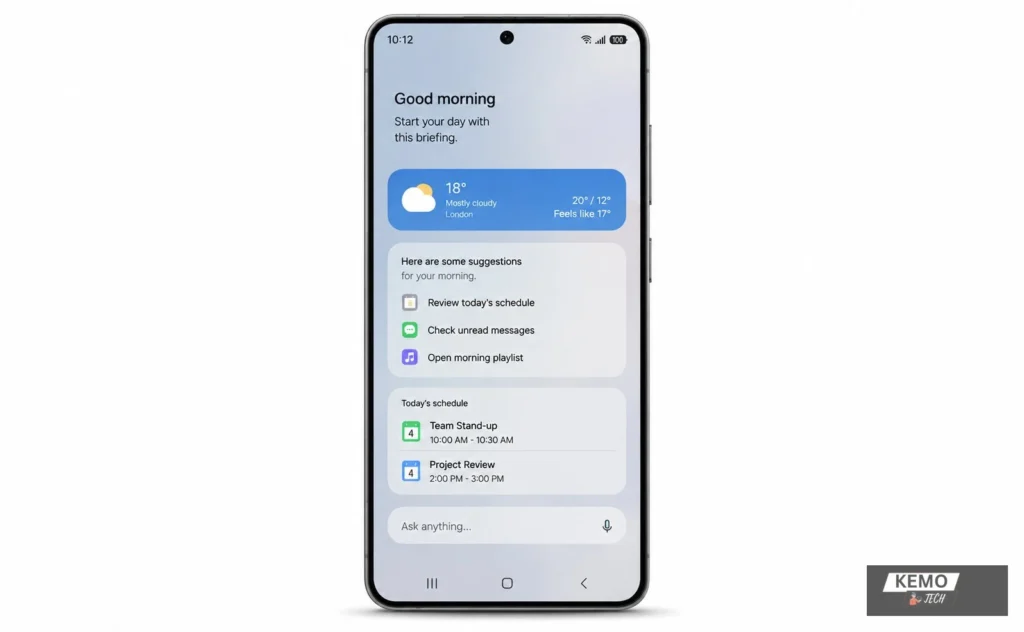
Samsung is also reportedly exploring broader AI integration across its ecosystem, potentially giving users access to multiple AI-powered experiences within a more unified interface.
Cross-Platform File Sharing Takes a Step Forward
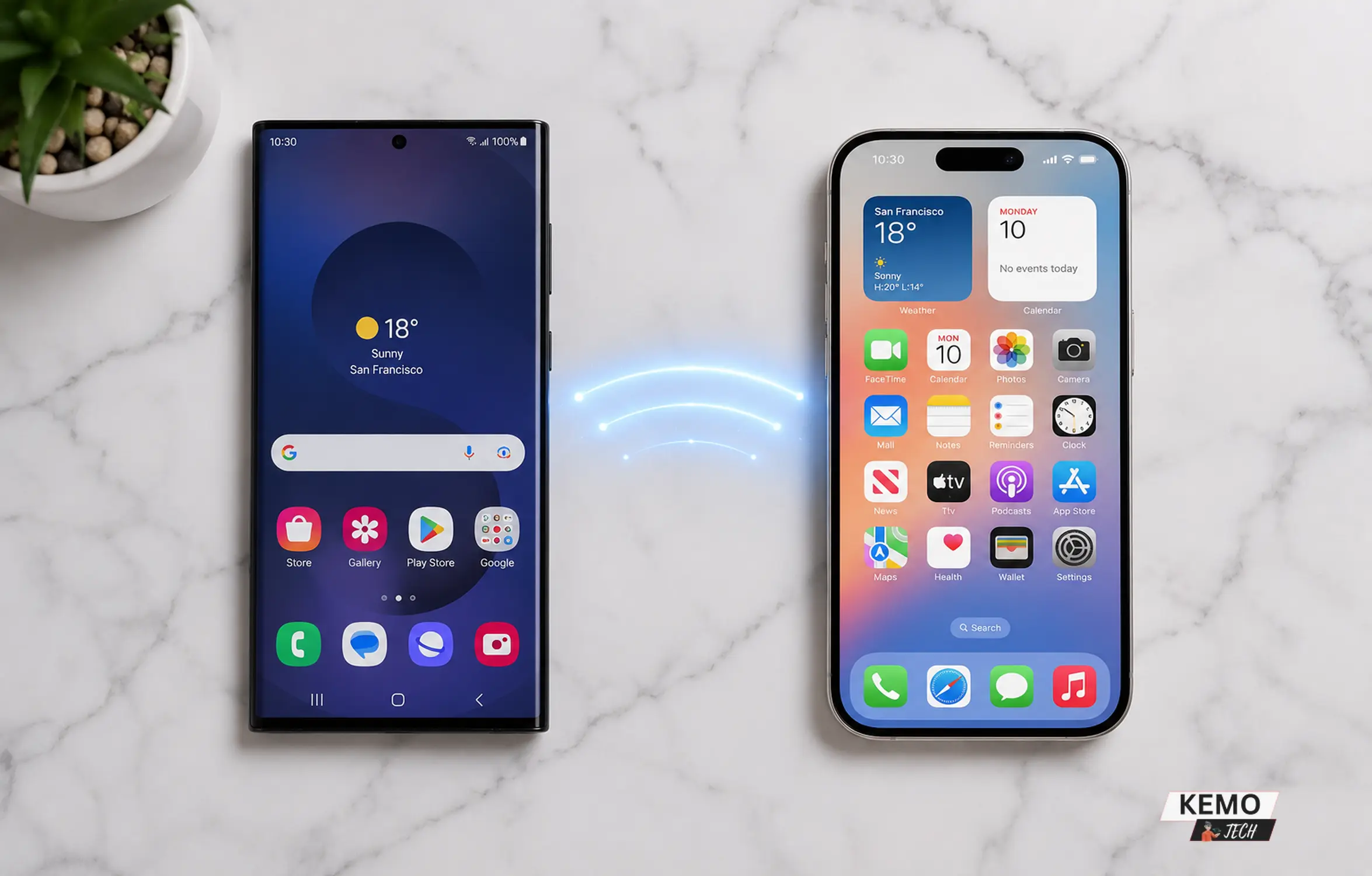
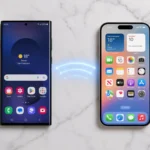
This is the feature Android users have wanted for years. Samsung is reportedly working to make Quick Share more flexible and accessible across different platforms, reducing friction when sharing files between devices. Reports suggest Samsung may expand Quick Share compatibility and simplify file transfers across a wider range of devices and platforms.
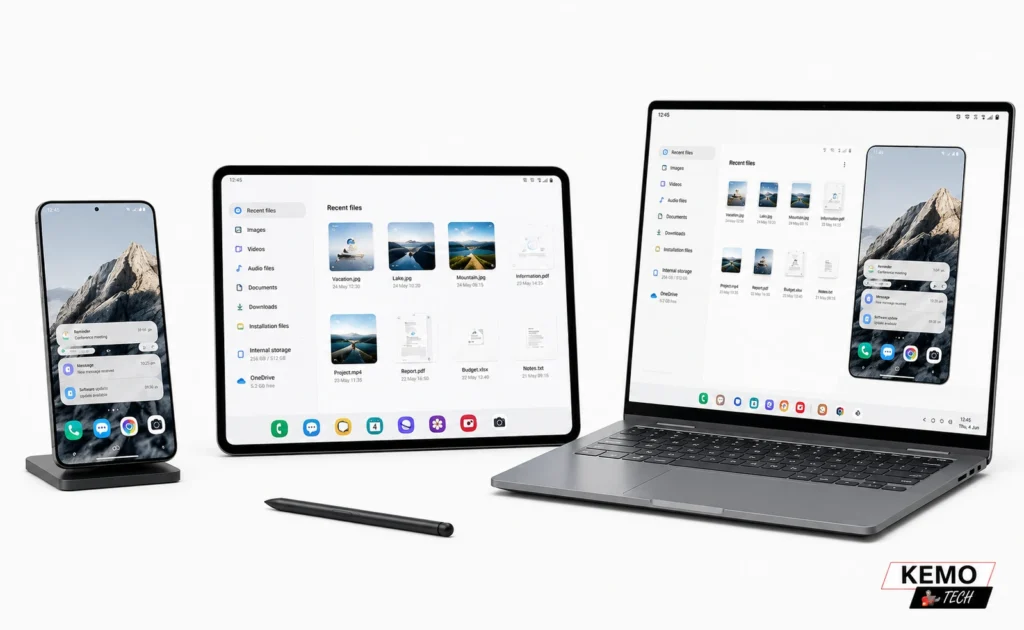
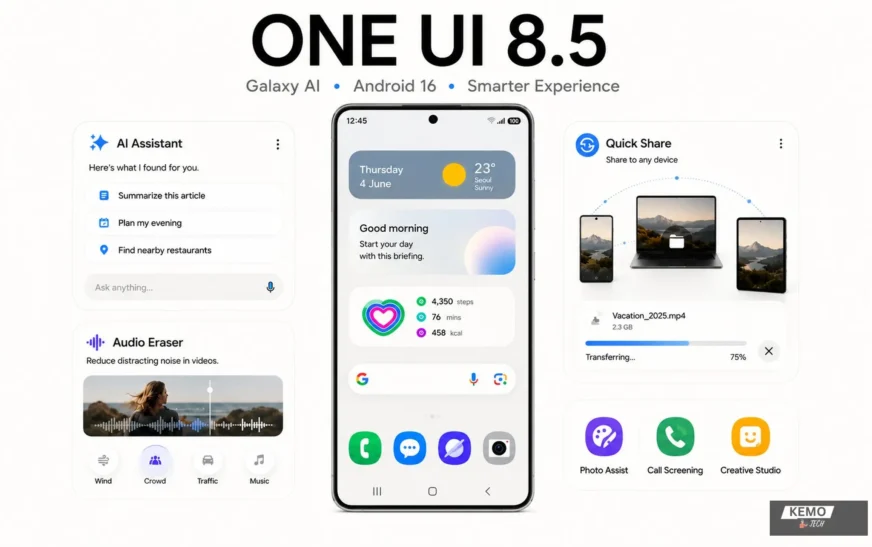
Samsung has also improved Quick Share itself with cleaner narrower UI elements and NFC-based transfer initiation — hold two devices close and the transfer starts automatically, using Wi-Fi Direct for the actual data transfer once the NFC handshake is done.
For users who regularly work across multiple ecosystems, these improvements could make file sharing significantly more convenient.
Galaxy AI Goes Deeper
One UI 8.5 expands Galaxy AI significantly, with several features that were initially exclusive to the Galaxy S26 now rolling out to S25 and older devices.
Audio Eraser — The Sleeper Feature
Samsung is reportedly expanding Audio Eraser capabilities, allowing users to reduce unwanted sounds such as wind noise, crowd chatter, traffic and background audio from supported recordings. If implemented broadly, this could become one of the most practical Galaxy AI features for everyday content creation.
Photo Assist Upgrades
- Generate AI images continuously without saving each iteration
- Review all creations in history and pick favourites
- Object removal through Generative Edit — smarter and more unified than before
- Text-prompt-based outfit swaps and complex edits
Call Screening
Bixby answers unknown calls on your behalf, asks why they’re calling, and shows you a live transcript so you can decide whether to pick up. If you also want to record calls on Android, we’ve covered exactly how that works.
Creative Studio
Store stickers created from photos and access them directly from your keyboard. A small feature but one that adds personality to messaging.
Now Nudge
Similar to Pixel’s Magic Cue — pulls information from other apps to offer contextual response suggestions. Useful for quick replies without switching apps.
Direct Voicemail
Callers can leave a real-time audio voicemail when you don’t pick up. Transcripts are saved in the Phone app. You can listen, summarise and search voicemails with AI assistance. Galaxy A-series users get this too.
Which Devices Are Getting One UI 8.5?
One UI 8.5 has an unusually broad device list for a point update — Samsung appears to be using the update to deliver a broad set of Android 16 enhancements and Galaxy-specific improvements.
Availability may vary by region, carrier and device model.
Reported Initial Rollout Devices
- Galaxy S25, S25+, S25 Ultra, S25 Edge
- Galaxy S26, S26+, S26 Ultra (pre-installed)
- Galaxy Z Fold 7, Z Flip 7
- Galaxy Tab S11 series
Expected Wave 2 — Mid May 2026
- Galaxy S24, S24+, S24 Ultra, S24 FE
- Galaxy Z Fold 6, Z Flip 6
- Galaxy Tab S10 series
Expected Wave 3 — June 2026
- Galaxy S23 series, Z Fold 5, Z Flip 5
- Galaxy A56, A36, A26, A16
- Galaxy M and F series
Important note: Not every device gets every feature. Advanced AI features and the more demanding Bixby functions require sufficient NPU hardware, typically found in flagship and upper mid-range devices. Interface updates, security improvements and most productivity features come to all supported devices.
One UI 8 vs One UI 8.5 — What Actually Changed?
| Feature | One UI 8 | One UI 8.5 |
| Base Android Version | Android 16 | Android 16 with additional refinements |
| Visual Design | Flat, clean interface | Ambient Design with blur effects |
| Bixby | Basic voice assistant | Expanded AI assistant capabilities |
| File Sharing | Quick Share (Android only) | Enhanced cross-platform sharing features |
| Audio | Standard audio tools | Expanded Audio Eraser capabilities |
| Photo Editing | Basic AI editing | Photo Assist, Generative Edit, text prompts |
| Call Features | Standard calling | Call Screening with live transcripts |
| Voicemail | Basic voicemail | Direct Voicemail with AI transcription |
| AI Providers | Galaxy AI + Gemini | Broader AI ecosystem integration |
| App Icons | Flat icons | 3D-style icons with depth effect |
| Lock Screen | Static wallpapers | Animated wallpapers with parallax |
| Creative Tools | Limited | Creative Studio sticker storage |
| Notifications | Standard | Enhanced notification intelligence and filtering |
| Device Support | Broad rollout | Broader — includes A, M, F series |
Is One UI 8.5 Worth Getting Excited About?
Based on current information, One UI 8.5 appears to be more than a routine maintenance update. Samsung seems focused on refining the user experience through interface improvements, smarter AI features, stronger ecosystem integration and enhanced productivity tools.
While some capabilities may be limited to newer Galaxy devices, the broader direction is clear Samsung is continuing to invest heavily in software as a key differentiator within the Android ecosystem.
If the reported features arrive as expected, One UI 8.5 could become one of Samsung’s most impactful point releases to date.
How to Update to One UI 8.5
Go to Settings → Software update → Download and install. If the update isn’t showing yet, your region or carrier may still be in the queue — Samsung is expected to roll out the update in phases, although timing may vary by region, carrier and device model.