
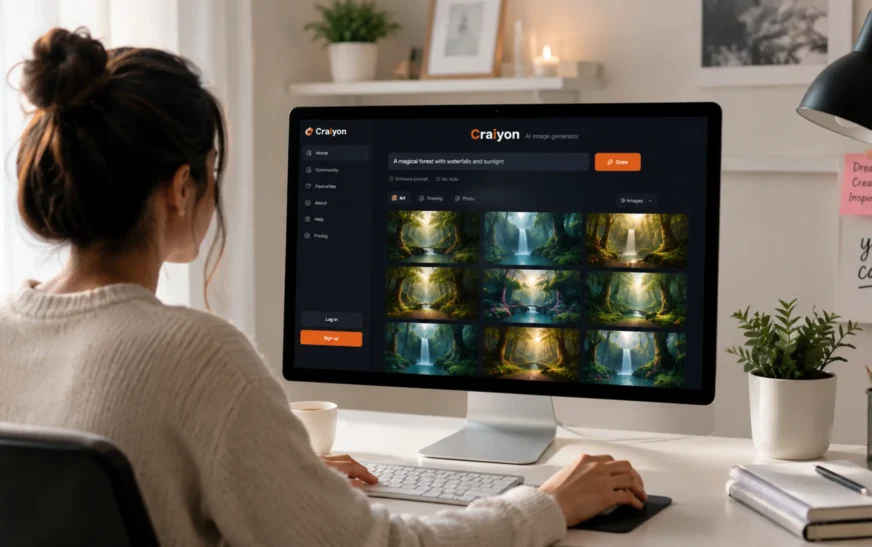
Craiyon AI is a free AI image generator that allows users to create artwork, illustrations, and visual concepts from simple text prompts. Originally launched as DALL-E Mini, the platform became popular for making AI-generated art accessible to anyone with a web browser. Today, Craiyon remains one of the easiest ways to experiment with text-to-image generation without requiring design experience or expensive software.
Craiyon makes AI image generation accessible to anyone with a web browser. Whether you’re a professional designer looking for inspiration or a complete beginner exploring creative tools, Craiyon makes it easy to explore new ideas and produce visuals in seconds. Looking for more options? Check out our guide to the best AI tools for beginners. In this guide, we’ll explore how the platform works, what features it offers, its advantages and drawbacks and whether it’s still worth using in 2026.
Quick Summary
| Best For | Beginners, students, marketers, bloggers, and content creators |
| Free Plan | Yes |
| Paid Plan Available | Yes |
| Platform | Web-based |
| AI Capability | Text-to-image generation |
| Commercial Use | Check Craiyon’s latest licensing terms |
| Originally Released | 2022 (as DALL-E Mini) |
What is Craiyon AI?
Craiyon AI (formerly known as DALL-E mini) is an AI-powered platform designed to help artists, designers, and everyday users create digital art from text descriptions. You simply type what you want to see — like “a futuristic city at sunset” and Craiyon generates a set of images based on your prompt.
The platform uses machine learning models trained on large image-text datasets, allowing it to interpret natural language prompts and generate visual content. If you’re new to artificial intelligence tools, read our beginner’s guide on what are AI tools before diving in. It’s completely free to use, making it one of the most accessible AI art tools available today.
How Craiyon AI Works
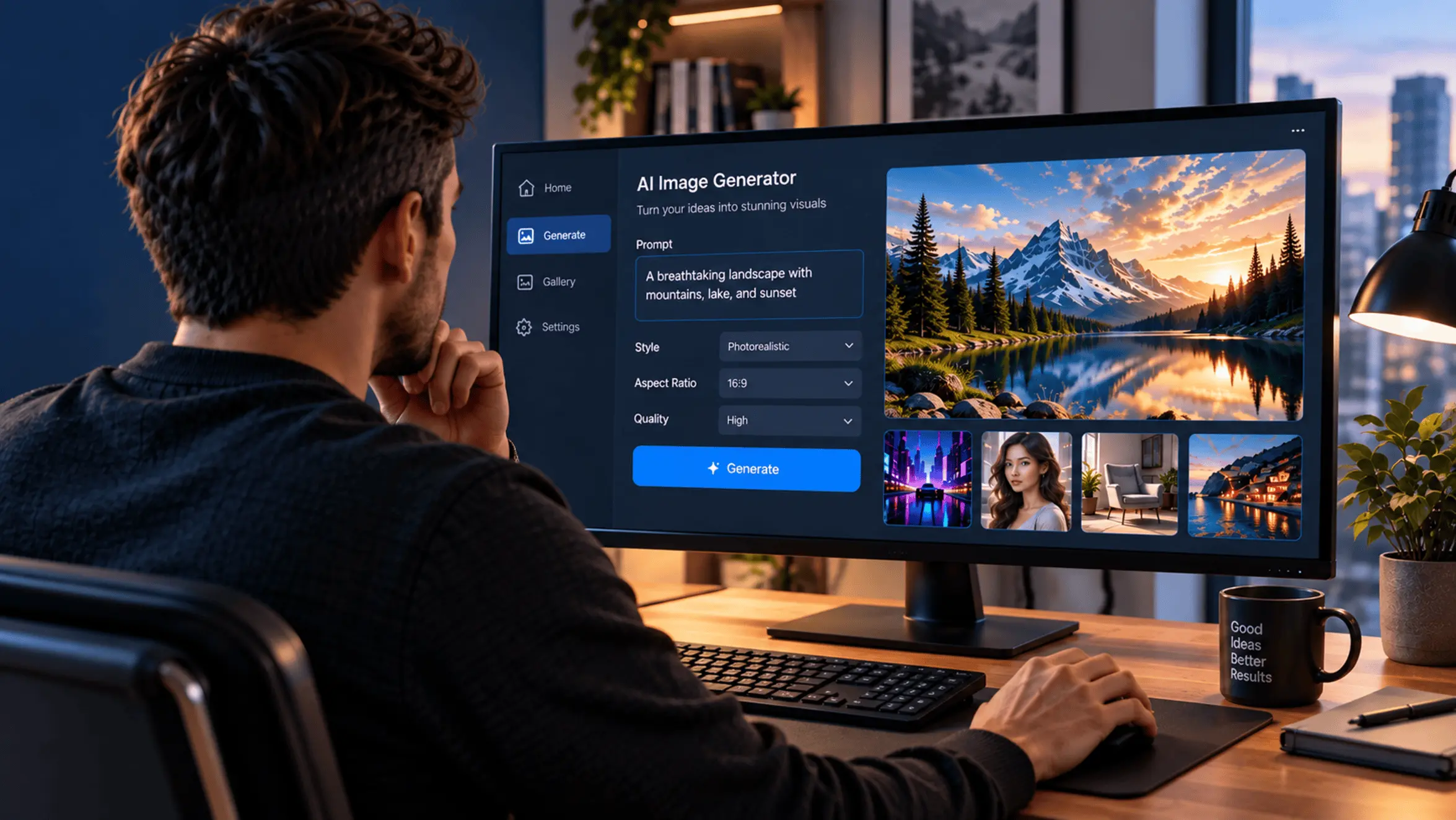
Craiyon uses machine learning models trained on large collections of images and text descriptions to generate visuals from written prompts. To get started, users simply enter a description of what they want to create, choose a preferred style or aspect ratio if desired and click the “Draw” button.
The system analyzes the prompt and generates multiple image variations based on the words and visual concepts provided. Results typically appear within a minute, although generation times can vary depending on demand and the user’s subscription plan.
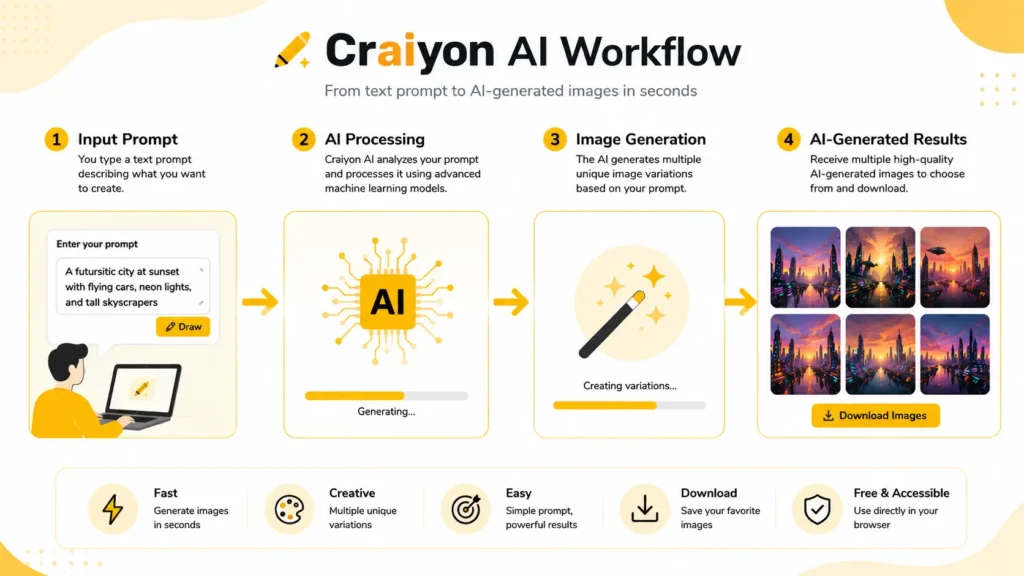
Like most AI image generators, Craiyon performs best when prompts are detailed and specific. For example, a prompt such as “a red panda sitting on a tree branch in a Japanese garden, watercolor illustration” will usually produce more relevant and visually consistent results than a simple prompt like “red panda.”
Rather than replacing traditional design software, Craiyon is best used as a creative tool for brainstorming ideas, exploring visual concepts, and quickly generating inspiration for personal or professional projects.
What Can You Do With Craiyon AI?
1. Multiple Style Presets
Craiyon allows users to generate images in different visual styles, including artistic illustrations, anime, photography, vector art, and more. Instead of uploading an image for style transfer, users simply describe the desired style within their prompt or select available style options before generation. This makes it easy to experiment with different artistic directions without advanced editing skills.
2. Text-to-Image Generation
This is Craiyon’s core feature. Type a description and Craiyon generates multiple image variations based on your prompt, giving users several creative options to explore. It’s ideal for brainstorming visual concepts, creating mood boards, or simply experimenting with creative ideas.
3. Image Styles and Themes
Craiyon supports a wide range of artistic themes — from fantasy and sci-fi to minimalism and abstract art. Users can explore different aesthetics and visual directions without needing any design software or prior art experience.
4. Simple, Beginner-Friendly Interface
Craiyon’s interface is clean and easy to navigate. There’s no steep learning curve — just a text box and a “Draw” button. This makes it ideal for beginners while still being useful for experienced creatives who need quick visual concepts.
5. Free Access
Unlike many AI art tools, Craiyon’s core functionality is completely free. A paid subscription (Craiyon Pro) removes ads and speeds up generation time, but the free version is fully functional for most users.
6. Shareable Outputs
Once images are generated, they can be downloaded and shared directly. This makes it easy to collaborate with team members, share concepts with clients, or post work on social media.
7. Advanced Prompt Controls
Craiyon includes several tools that help users improve image quality and relevance. Users can choose different aspect ratios, experiment with style presets, and refine prompts to generate more accurate results. Paid subscribers also gain access to higher-quality image models, editing credits, and privacy options for generated content.
Impact of Craiyon AI on Digital Art
Democratising Creativity
Craiyon played an important role in popularising AI-generated art among everyday users. When it gained viral attention as DALL-E Mini in 2022, it introduced millions of people to text-to-image generation for the first time. While newer AI image models now produce significantly higher-quality results, Craiyon remains one of the easiest ways for beginners to experiment with AI-generated artwork at no cost.
Faster Ideation and Prototyping
For designers and creative professionals, Craiyon speeds up the early stages of a project. Instead of spending hours sketching concepts by hand or searching stock photo sites, they can generate rough visual ideas within minutes and iterate quickly.
Encouraging Experimentation
Because Craiyon is free and fast, users are more willing to experiment with unusual or unconventional creative ideas. This freedom to explore without cost or time pressure encourages creative risk-taking and innovation.
Supporting Human Creativity — Not Replacing It
Craiyon works best as a creative aid, not a replacement for human artists. It helps generate starting points, visual references, and inspiration — but the creative direction, refinement and final decisions still come from the person behind the prompt.
Applications of Craiyon AI Across Industries
Advertising and Graphic Design
Designers use Craiyon to quickly generate concept visuals for campaigns, logos, and marketing materials. It’s especially useful in the early brainstorming phase when multiple visual directions need to be explored rapidly.
Digital Marketing and Social Media
Marketers can use Craiyon to create eye-catching visuals for social media posts, blog headers, and email campaigns — without needing a full design team. The tool is particularly helpful for small businesses with limited budgets.
E-Commerce and Retail
Online retailers can use Craiyon to generate product concept images, lifestyle visuals, and promotional graphics. While it doesn’t replace professional product photography, it’s a valuable tool for mockups and creative exploration.
Film, Animation and Storyboarding
Filmmakers and animators use Craiyon to generate rough storyboard frames, character concept art, and set design ideas. It helps creative teams visualise scenes before committing to more expensive production steps.
Gaming and Virtual Reality
Game developers can use Craiyon to generate texture ideas, environment concepts, and character designs. It’s a fast way to explore visual styles for games before committing to detailed 3D modelling work.
Interior and Architectural Design
Interior designers use Craiyon to quickly visualise room layouts, colour schemes, and furniture arrangements. It helps clients understand a design concept before any physical work begins.
Education and Training
Educators use Craiyon to create custom illustrations for learning materials, presentations, and online courses. It’s a cost-effective way to produce original visuals that match specific educational content.
Pros and Cons of Craiyon AI
| Pros | Cons |
|---|---|
| Free access without complex setup | Lower image quality than Midjourney or DALL-E |
| Generates multiple image variations per prompt | Struggles with text, hands, and facial details |
| Beginner-friendly interface | Free version includes ads and watermarks |
| Supports different artistic styles and aspect ratios | Results can be inconsistent |
| Useful for brainstorming and concept generation | Limited precision for professional design projects |
| Commercial use available | Paid competitors offer better image quality |
Craiyon vs Other AI Image Generators
| Tool | Best For | Free Plan |
|---|---|---|
| Craiyon | Quick concepts and experimentation | Yes |
| Midjourney | High-quality artistic images | No |
| DALL-E | Detailed prompt understanding | Limited |
| Adobe Firefly | Commercial and design workflows | Yes |
| Leonardo AI | Game art and creative projects | Yes |
Craiyon’s biggest advantage is accessibility. Unlike many AI image generators that require paid subscriptions or usage credits, Craiyon offers a free way for users to experiment with AI-generated art directly from their browser.
However, it is important to understand where Craiyon fits in the current AI image generation landscape. While it can produce creative and interesting visuals, it is primarily designed for idea generation and experimentation rather than professional-grade image creation.
Tools such as Midjourney, DALL-E, Adobe Firefly, Leonardo AI and Perchance AI generally offer higher image quality, better prompt adherence, improved text rendering and more advanced editing controls.
For users who need quick visual concepts, mood boards or creative inspiration, Craiyon remains a practical choice. For commercial design projects, marketing assets or highly detailed artwork, more advanced AI image generators typically deliver stronger results.
Frequently Asked Questions
Yes. Craiyon offers a free plan that allows users to generate AI images directly from their browser.
Yes. Craiyon was previously known as DALL-E Mini before being rebranded.
Craiyon allows commercial use, but users should always review the latest licensing terms on the official website.
No. Users can generate images without creating an account, although some premium features require a subscription.
Who Should Use Craiyon AI?
Craiyon is best suited for:
– Beginners exploring AI-generated art
– Bloggers and content creators seeking visual inspiration
– Marketers creating concept visuals for campaigns
– Students learning about generative AI
– Designers looking for quick brainstorming tools
Users who require highly detailed commercial artwork, photorealistic imagery, or advanced editing capabilities may find premium AI image generators better suited to their needs.
Should You Try Craiyon AI?
Craiyon remains one of the most accessible AI image generators available. Its biggest strengths are simplicity, free access and the ability to generate ideas quickly without requiring design experience.
The platform won’t replace professional creative tools, and image quality can be inconsistent compared to leading AI generators. However, for students, content creators, marketers, bloggers, and anyone curious about AI art, Craiyon offers a practical way to experiment with text-to-image generation without spending money.
While Craiyon may not match the image quality of premium AI generators, it remains one of the easiest ways to explore AI-powered creativity. Its free access, simple interface and fast concept generation make it a useful tool for beginners, students, marketers and anyone interested in experimenting with AI-generated art.
Have you tried Craiyon AI? Share your experience in the comments below.