

There’s no shortage of “best There’s no shortage of “best Android apps” lists online, but most focus on popularity rather than real-world usage.” lists online, but most focus on popularity rather than real-world usage.
In practice, the apps that matter are the ones that stay installed and actually get used every day.
As part of managing content, SEO workflows and day-to-day operations at Kemotech, we rely on a small set of Android apps that consistently prove their value. These aren’t trend-driven picks, they’re tools that have held up over time and fit naturally into how we work.
Productivity apps that actually hold up
Notion
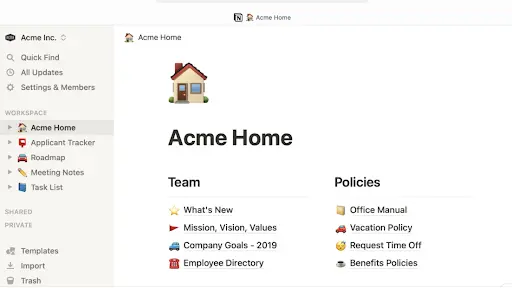
Notion has gradually replaced multiple tools in our workflow. It’s where we plan content calendars, organize SEO strategies and structure article drafts before publishing.
Instead of switching between documents, spreadsheets and scattered notes, everything lives in one place. Compared to tools like Google Docs or Trello, Notion offers significantly more flexibility but that flexibility comes with a learning curve, especially for new users.
On mobile, it handles quick edits and references well, although larger workspaces with multiple databases can feel slightly slower.
Google Keep
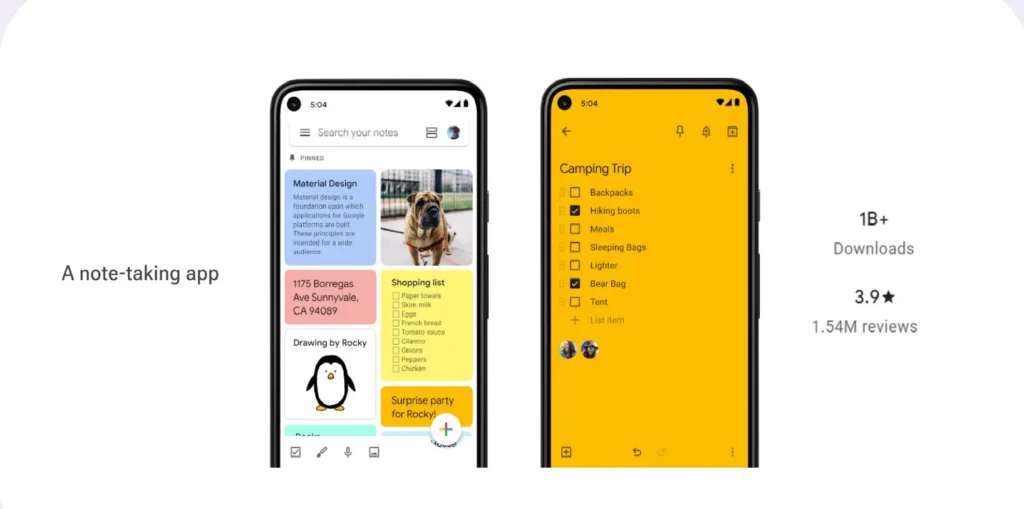
Google Keep is one of the fastest ways to capture ideas without breaking your flow.
We use it for quick blog ideas, rough headlines and reminders that come up in between tasks especially when opening a heavier app would slow things down.
There’s no complex structure here and that’s exactly why it works. It’s instant, reliable and always accessible.
Todoist
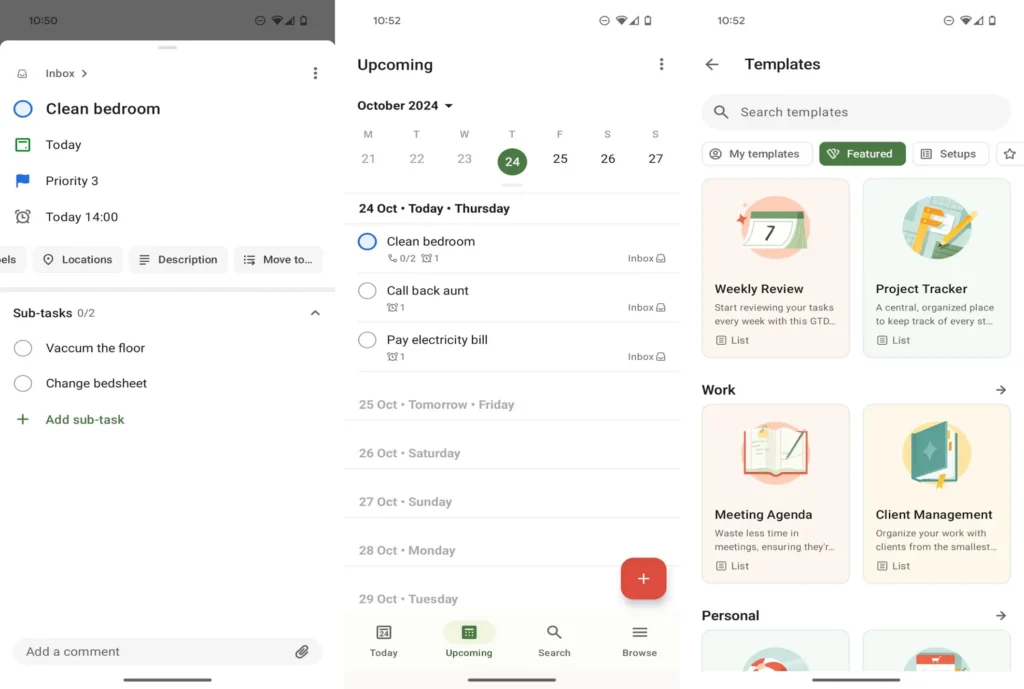
Todoist handles the smaller but important tasks that are easy to overlook.
We use it to track publishing days, outreach follow-ups and day-to-day operational work that doesn’t need a full planning system like Notion.
The interface stays clean even as tasks build up and priority levels make it easier to focus on what actually needs attention.
Communication tools that stay reliable
WhatsApp remains one of the most practical tools for quick communication.
We use it for client conversations, quick updates and time-sensitive discussions where email would feel too slow. Its biggest strength is reliability messages go through instantly and there’s no friction in staying connected.
Slack
Slack is better suited for structured, ongoing communication.
We use it to separate discussions into channels whether it’s content planning, SEO work or internal coordination so conversations don’t get mixed together.
Compared to WhatsApp, it’s far more effective for managing team workflows where context matters.
Zoom
Zoom continues to be a dependable option for meetings and calls.
It’s not something we keep open all day, but for scheduled meetings, client calls and team discussions, it’s consistent and easy to set up. In most cases, it just works without needing troubleshooting.
Storage and utility apps that do the heavy lifting
Google Drive
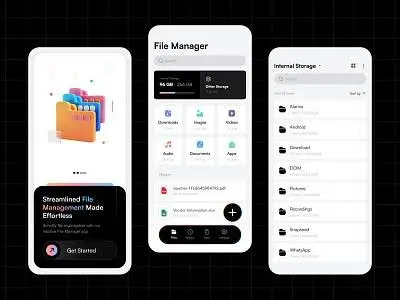
Google Drive sits at the center of how we manage files.
Article drafts, media assets, and shared documents all move through Drive at some point. Being able to access everything across devices without manual transfers saves time and keeps workflows smooth.
It may not be the most feature-rich storage tool, but its reliability makes it hard to replace.
Files by Google
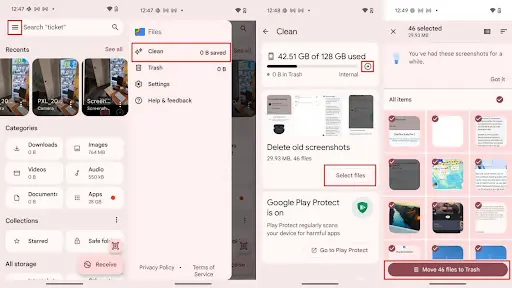
Files by Google helps manage something most people ignore until it becomes an issue of storage.
We use it occasionally to clear junk files, remove duplicates and free up space. It’s lightweight, doesn’t run in the background unnecessarily and does exactly what it’s meant to do.
Google Chrome
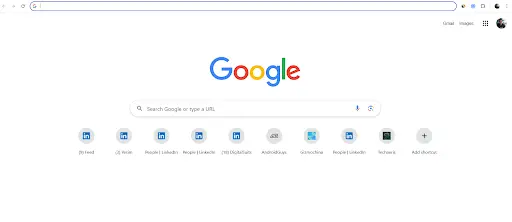
Chrome remains the default browser across our workflow.
Whether it’s researching topics, reviewing content, or quickly checking website performance, it’s used throughout the day. Syncing tabs and bookmarks between desktop and mobile makes switching devices seamless.
Apps that help maintain focus and workflow
Forest
Forest adds a simple but effective layer of focus.
We use it during writing sessions or deep work periods where distractions are a problem. The concept is straightforward stay in the app and a virtual tree grows. Leave it and the session breaks.
It’s minimal, but that small visual system makes a noticeable difference.
Toggl Track
Toggl Track helps us understand how time is actually being spent.
We use it to track writing time, research and daily tasks. Over time, it becomes easier to identify inefficiencies and adjust workflows accordingly.
It’s not something you constantly think about, but the insights add up.
Grammarly Keyboard
Grammarly Keyboard helps clean up writing on mobile.
Whether it’s emails, notes, or quick drafts, it catches small mistakes in real time. It doesn’t replace proper editing, but it reduces friction when writing on the go.
What didn’t make the cut
Not every app we tested made it into daily use.
Some offered extensive features but added unnecessary complexity. Others worked well initially but didn’t fit into a fast-moving workflow over time.
In practice, apps that require too much setup or constant maintenance tend to get abandoned. Simplicity and reliability consistently matter more than feature depth.
Why these apps continue to stick
The common thread across all of these apps is consistency.
They don’t try to do everything. Instead, they solve specific problems well and fit naturally into a daily routine.
That’s ultimately what separates apps that get downloaded from apps that actually stay.